
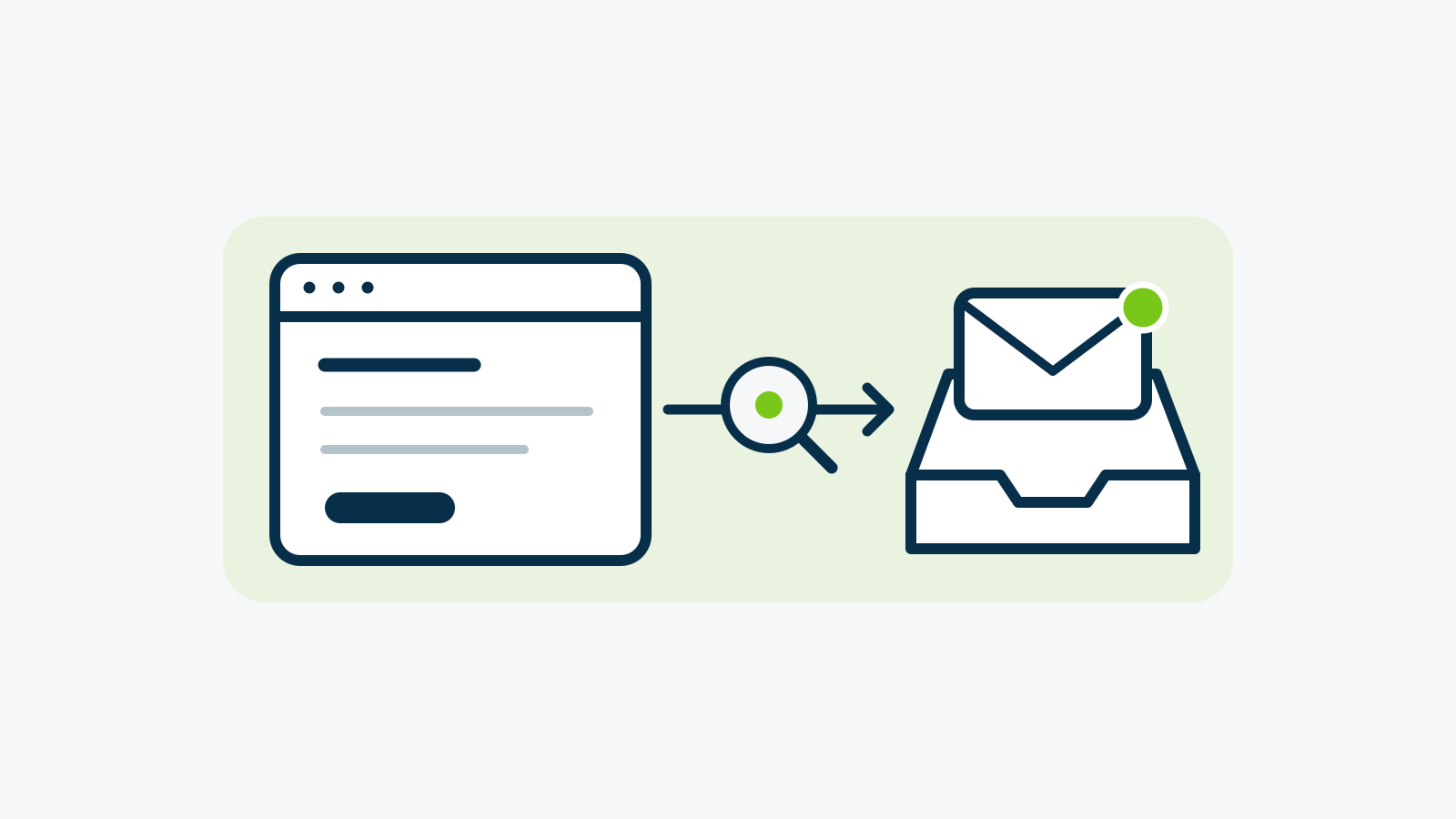
A customer says they requested an estimate, but your inbox is empty. You open the contact page, see a form that looks normal, and wonder whether the message disappeared.
When contact form emails are not arriving, trace one inquiry through the steps that should follow it. Start with the submission record, then the notification settings, then the email service and recipient mailbox. Each check should answer a specific question before you change anything.
Check whether the website saved the inquiry
If your form plugin stores entries, look for the message using its approximate time and form name. In Gravity Forms, open the form’s Entries screen and check the normal and spam views. Record the entry ID and time so you can match it with later evidence.
A saved entry gives your team a way to follow up while the notification problem is investigated. If the entry is missing, check whether the visitor completed the form and whether spam handling or validation interrupted the submission. A form that only sends email may have no stored record to check.
Review who should receive the notification
Open the notification attached to that exact form. Confirm that it is enabled, the recipient address is current, and any routing or conditional rules match the inquiry. A form might send sales requests to one address and support requests to another. An old mailbox or a rule that no longer matches can leave someone out of the loop.
Check the sender and reply address separately. Use a sender your email service authorizes, usually on your business domain. Put the visitor’s address in Reply To when you want replies to reach them. Gravity Forms’ notification settings reference explains both fields.
Before changing the recipient, confirm who should own the reply. Our workflow mapping guide can help you define where a website inquiry goes after it arrives.
Find the gap between the form and the inbox
If inquiries are saved on the website but your team never sees the notifications, bring the form name and an example entry ID to Firm Foundation Digital. We can help review the settings and trace where the handoff needs attention.
Read the sending record
If the site uses an email delivery plugin or service, find the record closest to the inquiry’s time. Check the recipient, the service used, and the result. Capture the error code or a short description with customer details removed.
Gravity SMTP’s Email Log distinguishes messages that are waiting, failed, suppressed, sandboxed, or sent. The record helps you decide where to investigate next. An expired connection needs a different response from an address on a suppression list or a message waiting to send. Its email log error guide explains those examples.
WordPress’ email function reference explains that a successful sending result means the method processed the request without an error. The recipient’s delivery still needs to be confirmed. If the sending side reports success, continue to the email provider’s delivery events and the receiving mailbox.
Check the receiving side and confirm the repair
Ask the mailbox owner to search spam and quarantine, along with rules that move or forward messages. Give the email administrator the sending time, sender, and recipient so they can trace the same message. If the provider reports an authentication failure, have the person responsible for the domain and email service review its sender verification and DNS settings together.
Once the cause is addressed, arrange a controlled test with the people responsible for the form and mailbox. Use sample details, confirm the entry and notification, and make sure a reply reaches the intended address. Check each important routing choice as well.
Write down who maintains the form, who manages the sending service, and who checks new inquiries. Review stored entries while delivery is uncertain so genuine requests still receive attention. If few visitors contact you at all, our website lead checklist covers the page and inquiry journey.
Make the next inquiry easier to follow
Share the form your customers use, the mailbox your team checks, and the step you cannot account for. Firm Foundation Digital can help connect the website, email delivery, and follow-up process into a clearer path.