
A customer asks for a quote through your website. The message lands in a shared inbox. Someone forwards it to the estimator, who asks for details the customer already supplied. A week later, the owner wonders who was supposed to follow up.
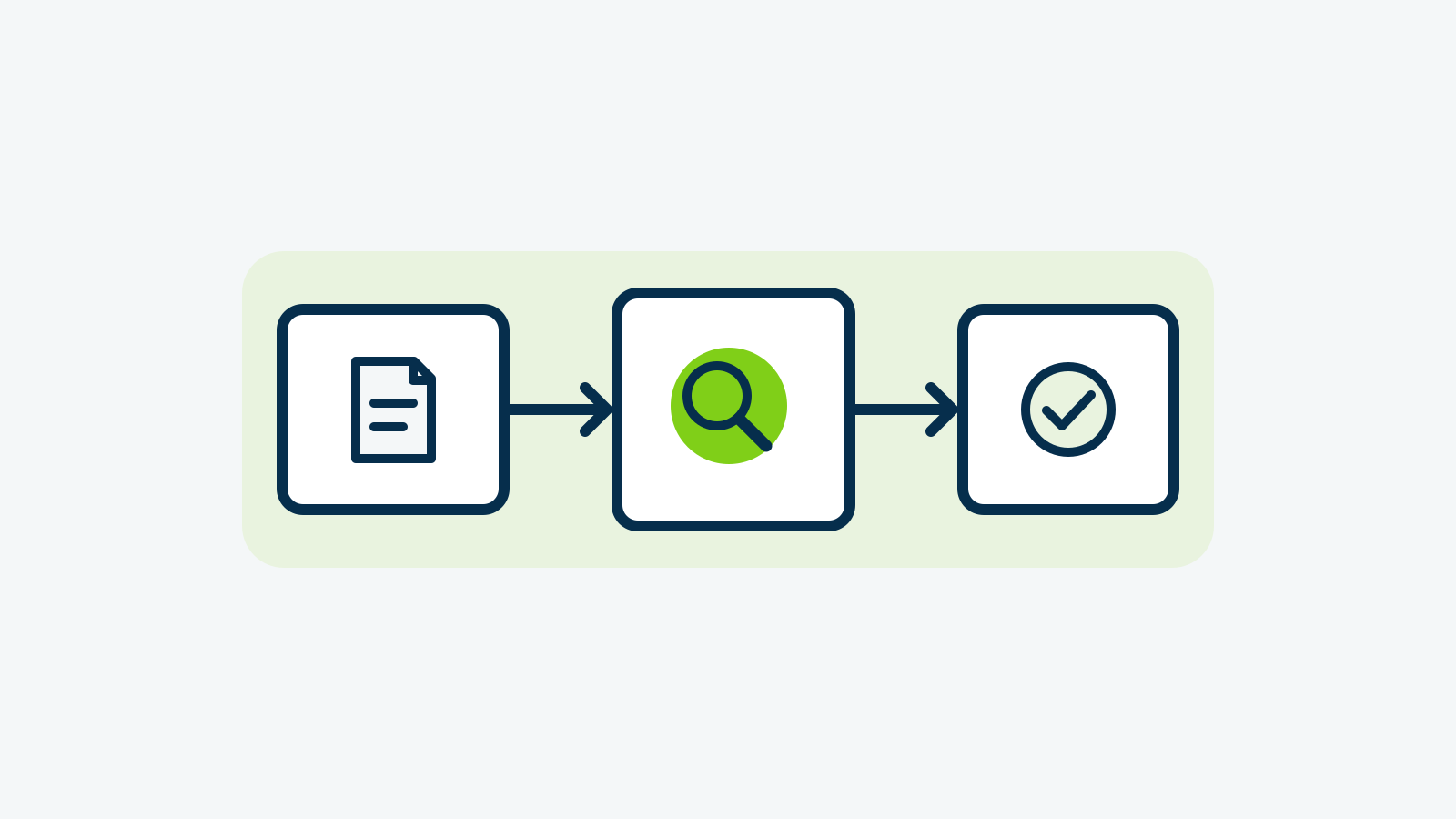
Small business workflow mapping starts with tracing one job like this from start to finish. A sheet of paper or a shared document is enough. You want to see where the work waits, who picks it up next, and what information needs to move with it.
Draw what happens to one real inquiry
Pick a recent request your team can walk through together. Start when the form is submitted and stop when the quote is sent or the inquiry is closed. Leave names, contact information, and other customer details out of the map. For each step, write down who does it, where they do it, and how the next person knows the work is ready. If a step happens by text or in a hallway conversation, put it on the map too.
Ask the people who handle inquiries to check your sketch. Have them walk through a straightforward request and another with missing details. The second one often brings out the decisions the first skips. For more ways to sketch steps and decisions, see ASQ’s flowchart guide.
Find the handoff you can fix first
Imagine the office coordinator checks the inbox, the estimator prepares the quote, and either one might follow up. A forwarded email tells the estimator about the inquiry. It leaves the coordinator guessing whether anyone took it on. Look at two or three past requests to see whether the same gap keeps coming up.
Try giving each open inquiry an owner, a next action, and a due date in the tool the team already checks. Agree on who covers when the owner is out. If few requests make it as far as the inbox, work through our website lead checklist first.
Untangle the handoff after your website form
If requests move through a shared inbox, a spreadsheet, and someone’s memory, bring one example with the customer details removed. Firm Foundation Digital can help you map where it slows down and identify the first change worth trying.
Turn the gaps into a software test
If the existing tool still leaves gaps, write each requirement as something your team should be able to do. Try these with sample records when you look at a new tool.
- Route a new request to the person on duty and show the team who owns it.
- Return a request with missing details to the coordinator and keep the original information visible.
- Find every open quote that needs a follow-up this week.
- Give the person covering a day off enough access to pick up the next action.
Run the same examples in your current tool and any replacement. Have the people who will use it do the work during the trial. A smooth demo can skip the awkward cases your team deals with every week.
Try the simpler workflow for a week
Pick one result to track, such as time from inquiry to first reply or the number of open requests with no owner. Record your starting point and check again after a week. Ask the team which steps they still work around. If the change holds, write down who owns the handoff and where the team can find the latest instructions.
If the workflow still needs a change, your map gives you something concrete to bring into a business consulting conversation. It shows the work a new platform, integration, or simpler process would have to support.
Choose your next tool around the work it needs to do
Share the workflow you mapped, the tools your team already uses, and the step that still takes extra effort. We can help turn that into a short list of requirements and a practical next step.