
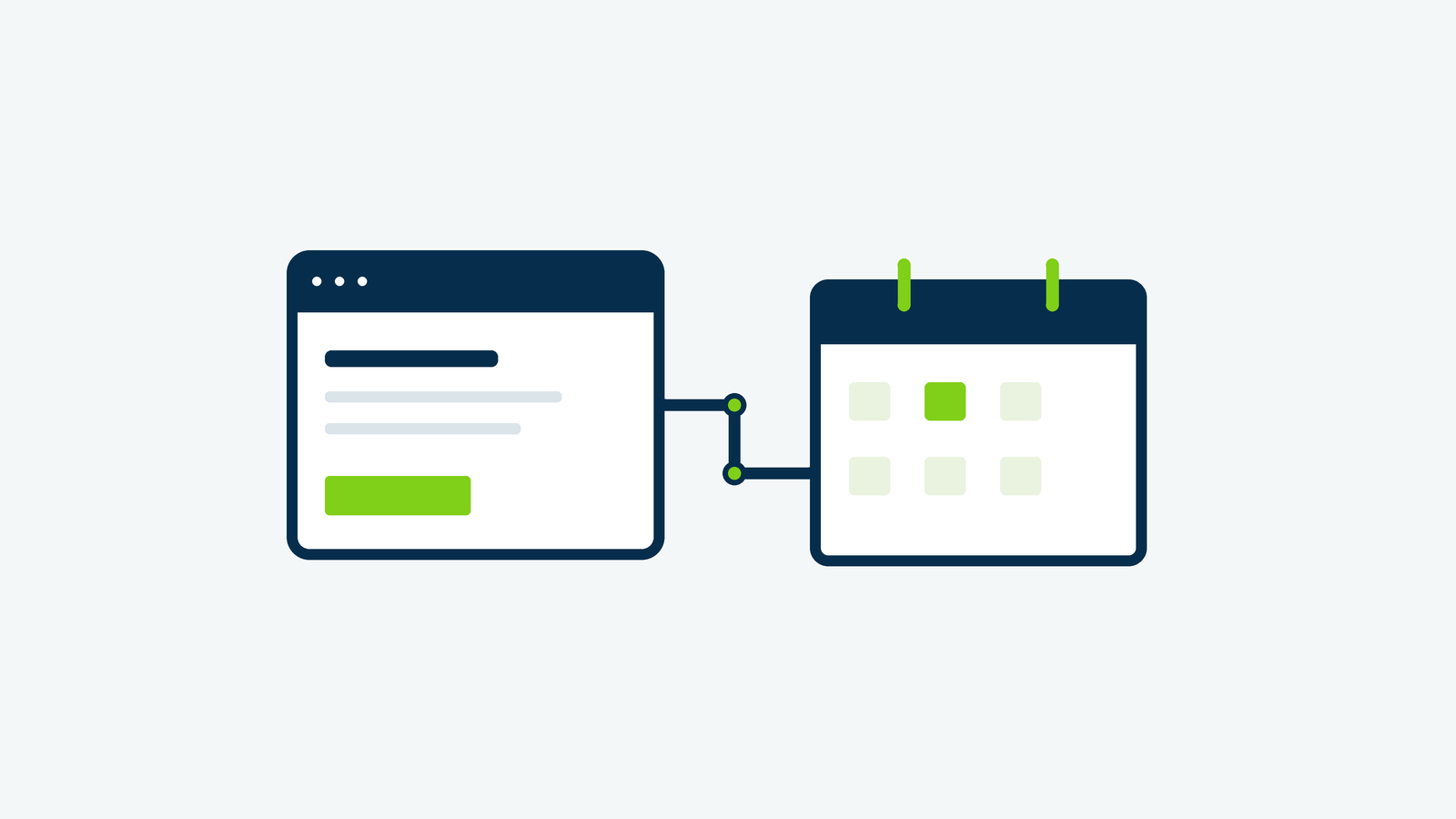
Church Center website integration works best when each system has a clear job. Your public website introduces the church and helps visitors decide what to do next. Church Center can handle the next steps your church already manages there, such as event signups, groups, forms, and giving.
You usually do not need to rebuild those tools inside WordPress. Start with well-placed links, use supported embeds where they help, and consider custom development only when you have a specific need those options cannot meet.
Begin with the visitor’s task
List the things people should be able to accomplish: plan a first visit, find a small group, register for an event, ask a question, or give. Beside each task, write where its current information lives and which staff member maintains it.
Keep the public explanation close to the action. A page about children’s ministry should answer a parent’s basic questions before offering a relevant registration or contact link. Sending everyone to the Church Center homepage makes them start looking again.
This also helps you spot gaps. If nobody owns an event’s description, date, and registration link, connecting the systems will not solve the underlying content problem. Our church website visitor checklist can help identify the information a newcomer needs first.
Choose links or embeds by feature
Planning Center’s supported options differ by feature. Its guidance lists links for Groups and Registrations signups, while giving forms, People forms, and the main Church Center calendar support links and embeds. A generic iframe is not a supported solution for every page.
- Use a direct link when the next step has its own full experience, such as browsing groups or registering for a particular event.
- Consider a supported embed when keeping that specific feature near your page’s explanation makes it easier to use.
- Keep a clear fallback link when embedded content is unavailable or difficult to use on someone’s device.
Use action labels that explain the destination: “Register for the Women’s Retreat” or “Browse Small Groups.” If you intentionally open a new tab, give visitors a useful cue. The handoff should feel like part of one clear journey, even when the destination is on another domain.
Keep recurring details in one dependable place
Decide which system is the source for each type of information. Your website might hold the lasting introduction to a ministry, while Church Center holds current meeting groups and signups. Avoid manually copying an entire changing list into both places unless someone has time to maintain both.
For calendars, Planning Center explains that an embedded Church Center calendar shows events made available in Church Center. Set up and review those visibility choices before adding the calendar to a public page. An internal staff meeting and a public community dinner have different audiences.
For example, a church could use its website’s events page to explain how to get involved, show the supported public calendar, and highlight one upcoming event with a direct registration link. That is a proposed pattern, not a requirement to use every available tool.
Connect the next step without adding confusion
Not sure which Church Center features should be linked and which can be embedded? Bring Firm Foundation Digital one visitor task and the tools your church already uses. We can help plan a supported connection and identify who will maintain each part.
Treat form behavior as part of the design
A form should fit the task it serves. A first-time visitor asking a question may need a short contact path; an event registration may need the details already configured in Registrations. Choose the right existing form before designing a new one that staff must separately manage.
For People forms, Planning Center documents a direct link and a supported modal embed. The modal requires HTTPS, and its mobile behavior opens the form in a new browser window rather than the desktop pop-up. Check the actual behavior instead of assuming the desktop layout carries over unchanged.
Ask a staff member to review field labels and the message someone sees afterward. Explain what happens next without promising an immediate response unless your team can provide it. Any submission testing should be agreed in advance, clearly identified, and coordinated with the people receiving notifications.
Test the handoff, then give it an owner
Review the connected pages on a phone and with keyboard navigation. Check labels, focus, the destination, and the route back to the main website. Ask someone unfamiliar with the setup to find a group or reach the correct event registration without coaching.
Keep a small link register: website page, destination, responsible person, and review date. Planning Center notes that duplicating an event or form changes its URL. Updating the copied event does not automatically mean every promotional link on your website has been replaced.
Add that check to your event launch and closeout routine. After a retreat or seasonal signup ends, remove stale promotions and confirm that evergreen pages still lead somewhere useful. Our church website maintenance checklist helps turn these small jobs into a repeatable process.
Scope custom development around a specific gap
If links and supported embeds do not meet a real requirement, document the missing behavior before commissioning a custom integration. Ask what data is needed, whether it is intended for public display, who maintains the connection, and what visitors see if it fails. Keep account credentials and private member information out of public page code.
Compare those requirements with our WordPress website services when deciding how much of the connection needs custom development.
Plan a maintainable connection between your tools
Tell Firm Foundation Digital which journeys your church wants to improve, such as event registration, groups, or a visitor form. We can review the WordPress side, discuss supported options, and scope custom development where there is a specific need.