
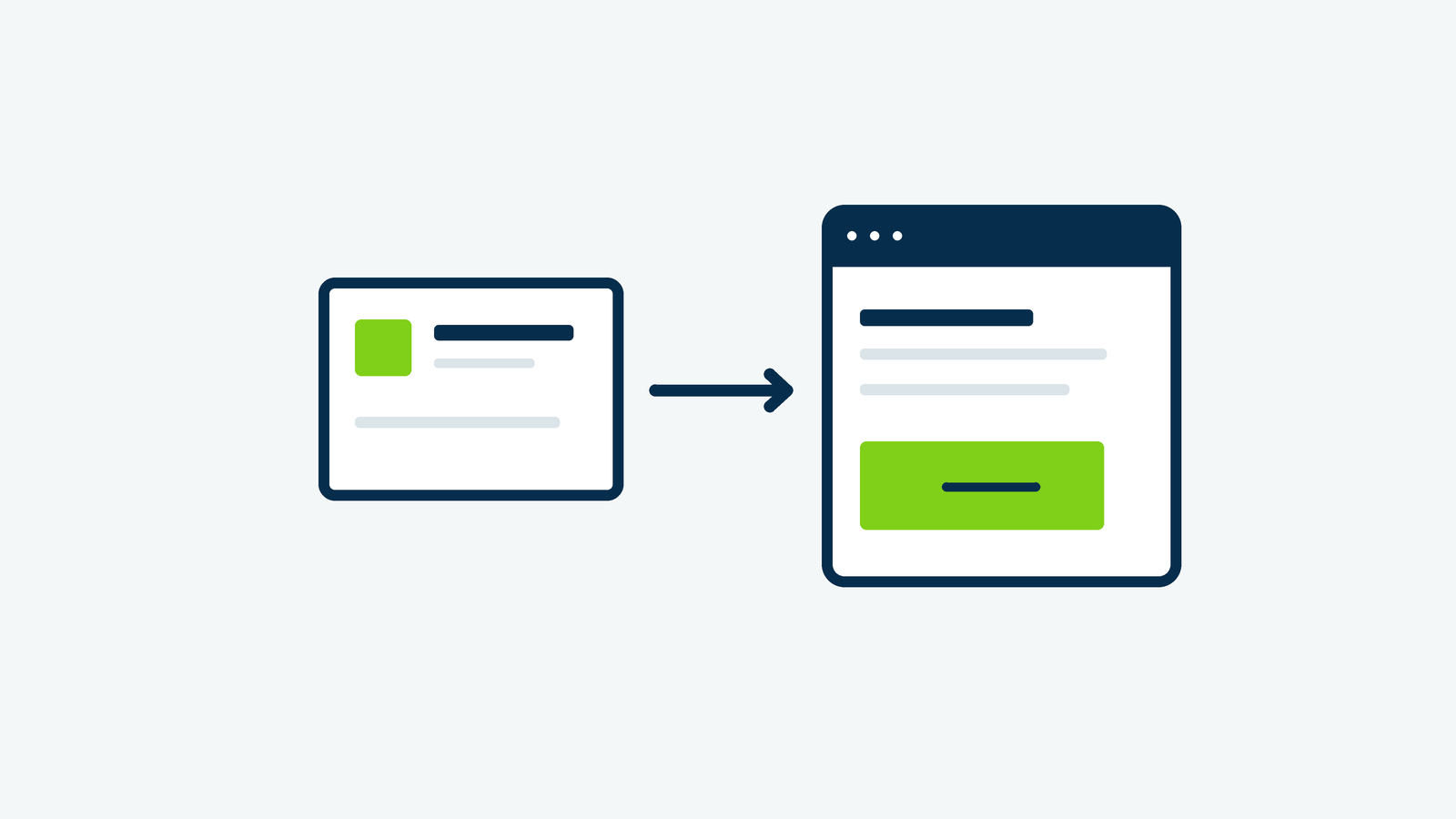
Before increasing your ad budget, open the page your ad sends people to. Does it deliver what the ad promised? This Google Ads landing page checklist follows the journey from the search to the page to the inquiry, so you can find the gaps before buying more clicks.
For a service business, that usually means explaining the specific service, showing that you serve the right area, answering the questions that delay a decision, and making contact straightforward. A polished page can still lose people if it leaves those jobs unfinished.
1. Match the page to the reason someone clicked
Write the ad promise beside the landing page headline. If one offers fence repair and the other says only “Outdoor Solutions,” the visitor has work to do. Use a clear service heading, then confirm the location and next step in the opening copy.
Google’s landing page guidance recommends matching the page to the ad, keywords, and call to action. Apply that connection to the whole offer: an advertised estimate should lead to a clear way to request that estimate, including any conditions.
You do not need a separate page for every tiny keyword variation. Start by grouping inquiries that need substantially different information. Emergency repair and a planned installation, for example, may need different explanations and contact options.
2. Give the page one clear primary action
Choose the action that fits this service: request an estimate, schedule a consultation, or call about availability. Use a specific button label. “Request a Fence Repair Estimate” sets a clearer expectation than “Submit” or “Learn More.”
Place that action where someone can find it early, then repeat it after the useful details. Keep relevant navigation available so visitors can check your work, business information, and policies. Google has also emphasized relevant content and usable landing page navigation. A focused page still needs to help people find what they came for.
3. Answer the questions behind the inquiry
Ask the person who answers your phone what callers need to know before booking. Those questions are often better page content than another paragraph about being passionate about quality.
- Which jobs do you handle, and which are outside your scope?
- Which towns or service areas do you cover?
- What information or photos help you prepare an estimate?
- What happens after someone gets in touch?
- Are there scheduling limits, minimums, or other important conditions?
Use honest specifics. If turnaround varies, explain the process rather than promising a response time your team cannot consistently meet. A little clarity can also help people recognize when your service is not the right fit.
Check the connection between your ad and page
If an ad gets attention but the next step feels unclear, Firm Foundation Digital can help review that handoff. Bring one ad, its destination page, and the inquiry you want it to produce so we can discuss the gaps worth addressing.
4. Put real evidence beside your claims
Show relevant project photos, describe a job similar to the visitor’s, or include a genuine customer review with permission. Explain what you did, rather than showing a photo with no context. For a local contractor, a short repair example may be more useful than a carousel of unrelated work.
Check the details behind trust signals. Memberships, licenses, certifications, and guarantees should be accurate and current. Skip badges that look impressive but tell the visitor nothing verifiable about your business.
5. Try the complete page on a phone
Open the actual destination on a phone, away from the large screen where it was designed. Read the headline, open the menu, tap the call button, and work through the form. Look for text hidden behind sticky bars, oversized images, awkward fields, and pop-ups that block the next step.
Review loading performance too, especially on an ordinary mobile connection. Ask your website partner to investigate large images and unnecessary scripts if the important content appears slowly. A performance report helps locate problems; the practical test is whether a visitor can read and act comfortably.
6. Verify the handoff and measurement
A form success message is only one part of a working inquiry. With your team’s agreement, arrange a clearly marked test and confirm the right person receives it, can reply, and knows who follows up. Use a safe test environment where available, and keep test inquiries out of real lead reporting.
Google Ads supports different conversion actions, including website actions and calls. Define the meaningful outcome before configuring tracking. A click on a phone link, a connected call, and a qualified estimate request are different events; label and evaluate them accordingly. Review tracking alongside your site’s consent and privacy setup.
7. Review inquiries, not just the score
Use Quality Score as a diagnostic. Google states that the reported 1–10 score is not itself an input in the ad auction. It can flag areas to examine, but it does not replace a review of costs, genuine inquiries, and the jobs those inquiries become.
Keep a short change log. Record the page change, date, campaign, and reason, then give the results enough context before drawing conclusions. If inquiries are weak across several channels, our guide to a website that is not generating leads helps you look beyond the ad itself.
Review the page and campaign together before deciding which change to make next. Keep the inquiry definition and follow-up responsibilities clear so your team can interpret the results.
Plan the campaign and inquiry path together
Contact Firm Foundation Digital with your service, campaign goals, and current landing page. We can discuss the page content, contact process, and measurement needed to evaluate genuine inquiries alongside advertising costs.